Account, notifications, and audit log
Published: 2026-07-10
When to use account settings, how to follow notifications, and how to read activity history.
These pages help you follow account security and account activity.
Account and security
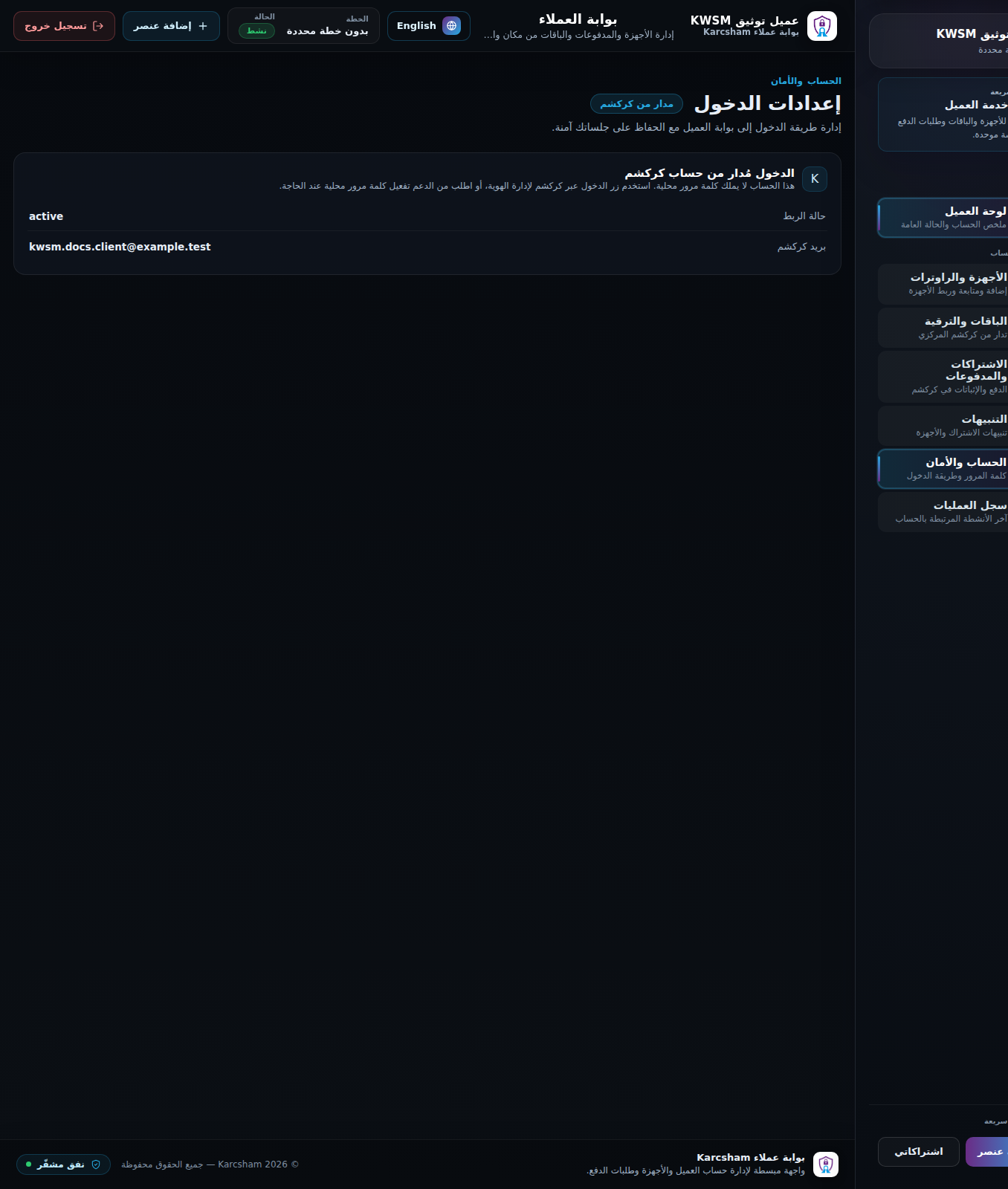
The account page shows client details and sign-in method. If the account is managed by KARCSHAM Central, it may not have a local KWSM password. In that case, use Central account settings to change your sign-in password.
If a local KWSM password exists, you can change it from KWSM. You need the current password and a new password of at least 8 characters. Other sessions are revoked after the change.
Notifications
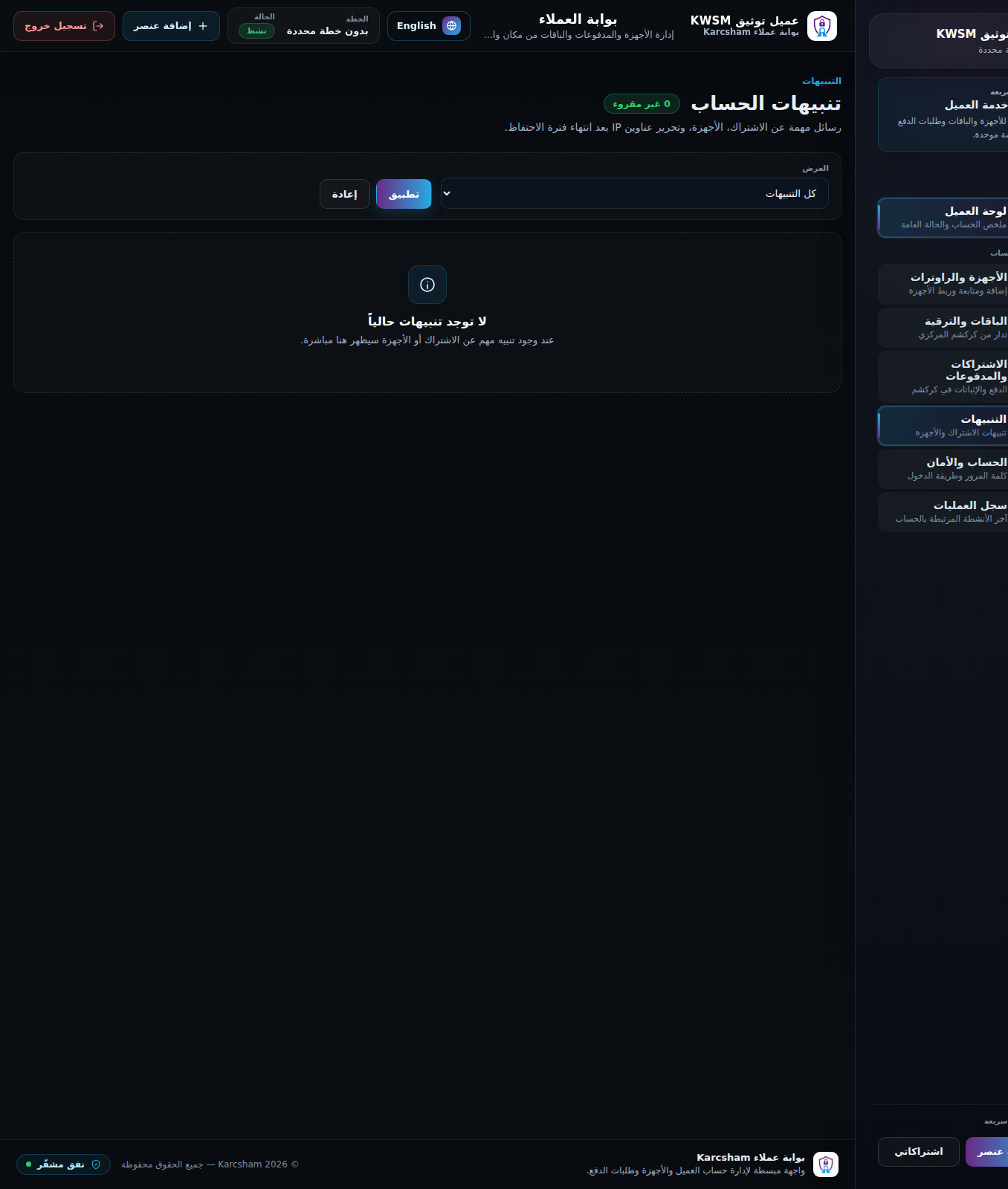
Notifications show subscription, device, and router messages. Open a notification or mark all as read after review.
Audit log
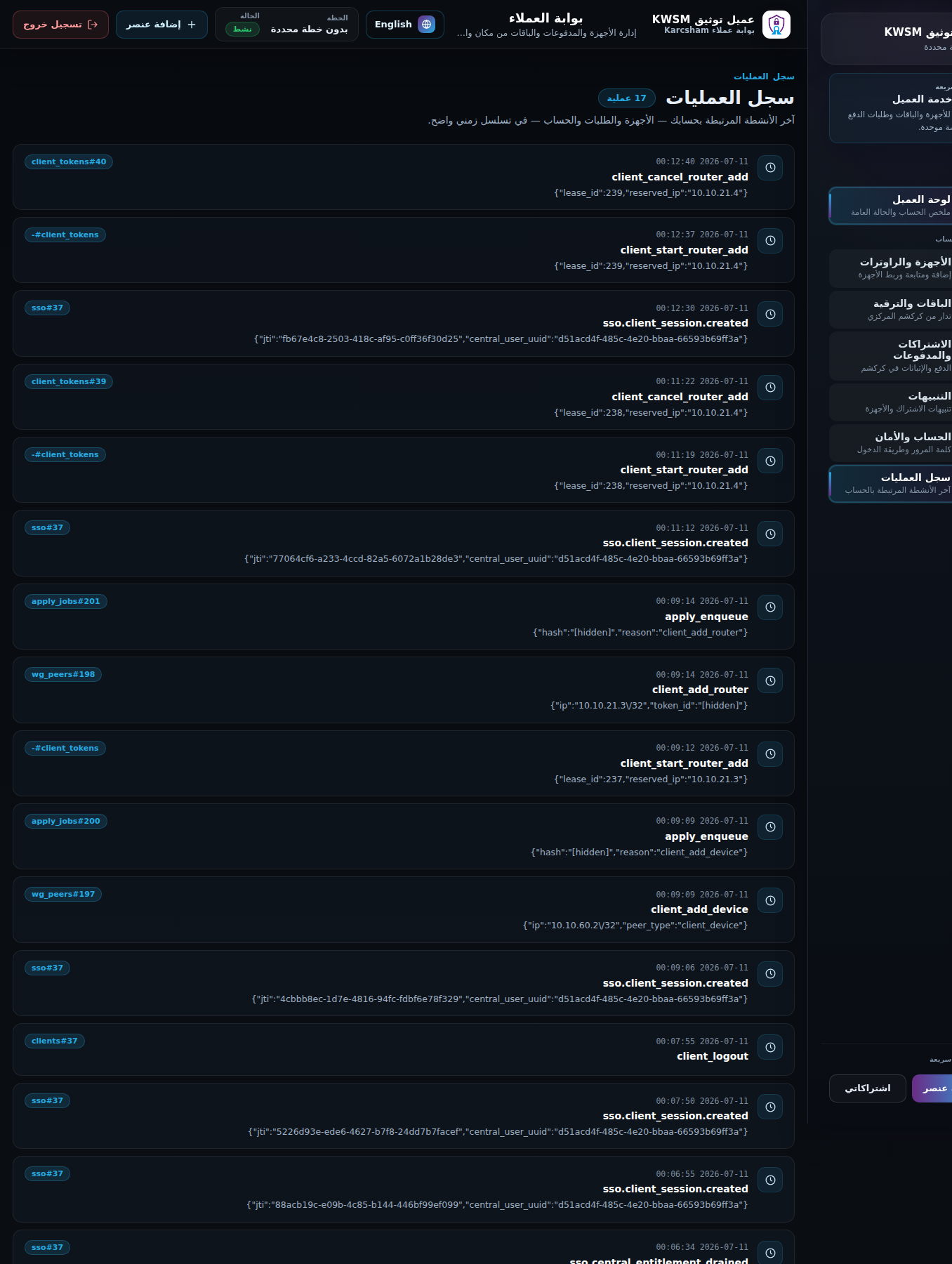
The audit log shows activity such as sign-in, device creation, file download, router creation, verification, and account changes. Use it to understand what happened and when.
When to contact support
- If you see activity you do not recognize.
- If you lost a device that had a WireGuard file.
- If actions are blocked even though your subscription was renewed.
- If your Central identity needs to be linked again to KWSM.
Reference screenshots