Service Guide
In category: KWSM & Remote Access
Sign-in, registration, and first activation link
Published: 2026-07-10
How clients enter KWSM, and when local sign-in or first activation links appear.
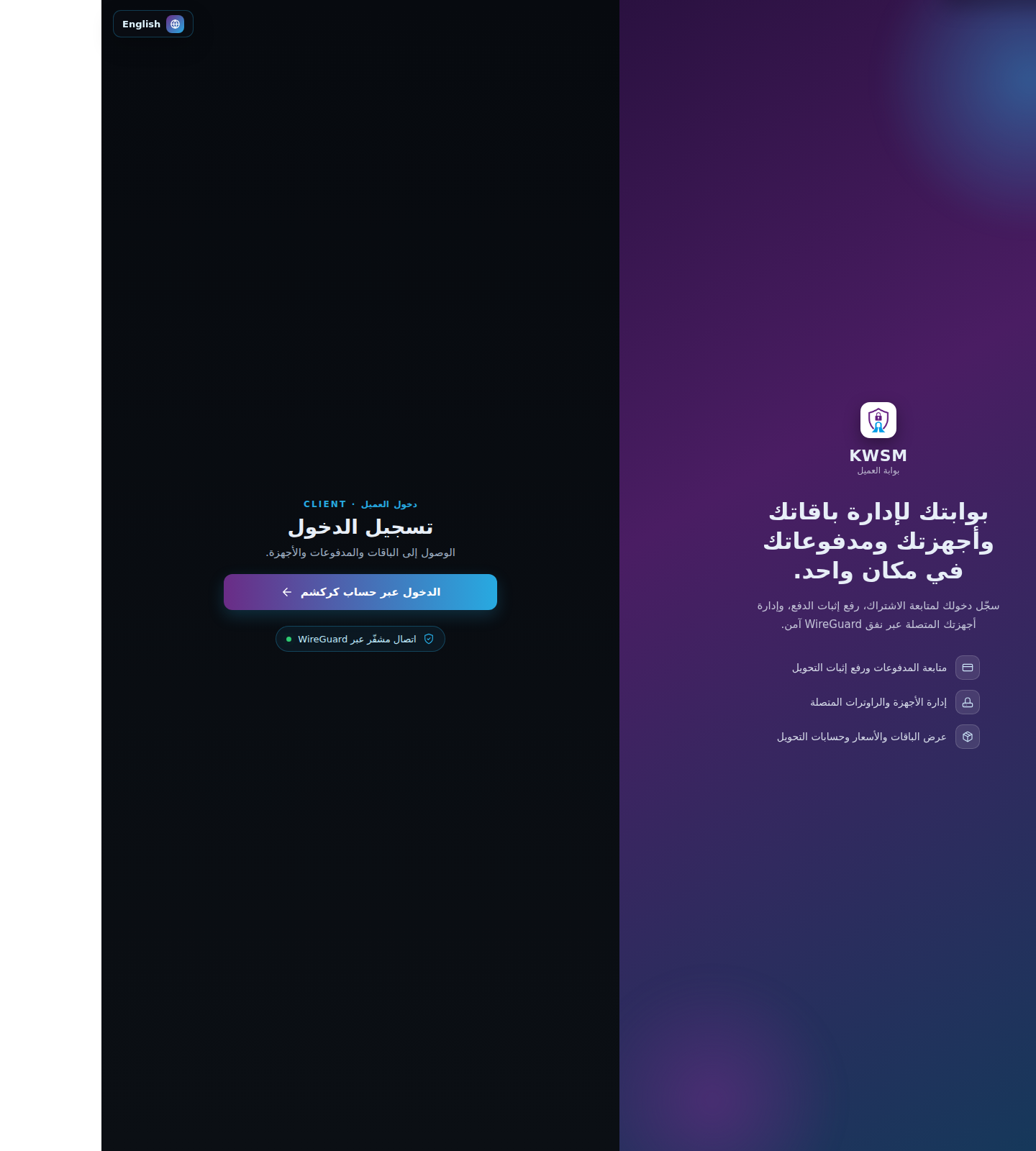
In the current KARCSHAM setup, KWSM sign-in usually starts from KARCSHAM Central. Open KWSM and choose Sign in with KARCSHAM. After successful Central sign-in, you are handed into KWSM without needing a local KWSM password.
Sign in through KARCSHAM
- Open the KWSM link.
- Click Sign in with KARCSHAM.
- Sign in to KARCSHAM Central if prompted.
- Approve KWSM access if a first-time consent screen appears.
- Wait until the KWSM client dashboard opens.
If local sign-in is enabled
The local identifier can be one of:
- Client ID.
- Username.
- Email address.
- Phone number.
If local registration is enabled
Registration fields:
- Full name.
- Username: 3 to 64 characters, using letters, numbers, dot, underscore, or hyphen.
- Phone or email: at least one is required.
- Password: minimum 8 characters.
First activation link
Support may send a one-time activation link. Open it, set a password of at least 8 characters, and save it. The link is single-use and can expire.
Important messages
- If local sign-in is disabled, use KARCSHAM sign-in.
- If the KARCSHAM handoff is invalid or expired, return to Central and launch KWSM again.
- If your account is suspended or closed, contact support.
Reference screenshots