How to read the list, use filters, and understand device/router actions.
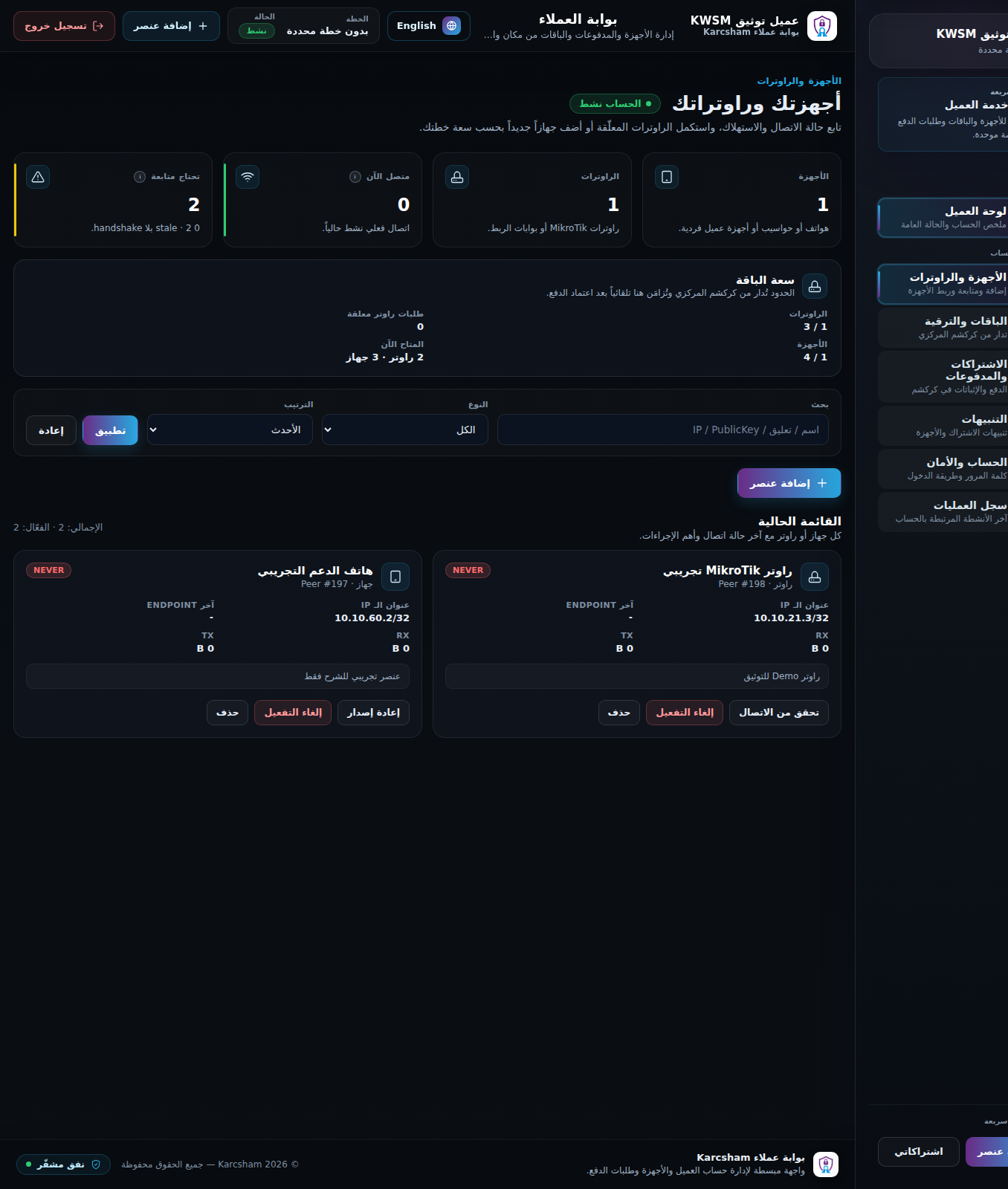
The devices and routers page lists all WireGuard items attached to your account: client devices, MikroTik routers, and router requests still in progress.
What appears in the list?
- The name or comment entered during creation.
- Type: client device or router.
- Assigned IP address.
- Enabled status.
- Latest handshake when available.
- Actions available for the item type and state.
Client device actions
- Open the created page if the configuration file is still available.
- Regenerate a new file when needed; this revokes the old file/key.
- Revoke or delete an unused device.
Router actions
- Verify connectivity.
- Resume an incomplete router request.
- Cancel a pending router request and release the reserved IP.
Search and sorting
Use search to find an item by name, comment, or address. Use sorting to review newest or oldest items.
Notes
- Items disabled by subscription enforcement may remain visible but inactive until access is restored.
- Deleting unused devices frees capacity before adding new ones.
- Do not delete an active production router until you confirm it is no longer used.
Reference screenshots