Service Guide
In category: KWSM & Remote Access
Plans, subscriptions, and payments
Published: 2026-07-10
How clients handle upgrades, orders, and payment proof in KWSM and Central.
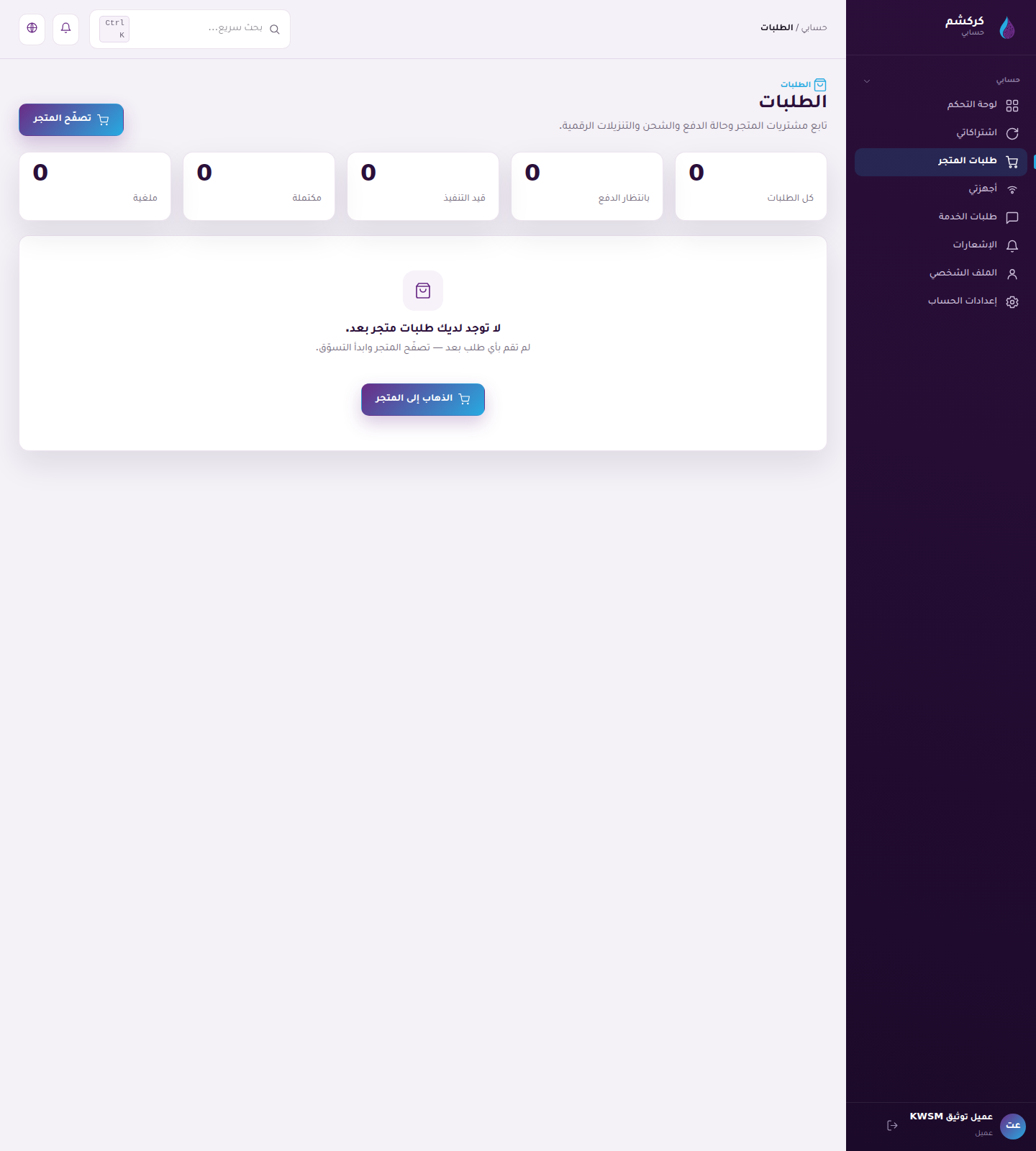
In the current KARCSHAM setup, plans and payments are managed from KARCSHAM Central. Therefore, plan or subscription links may open Central store/orders instead of a local KWSM billing page.
With Central billing
- Plans and upgrades open the KARCSHAM store or upgrade link.
- Subscriptions and payments open your Central orders.
- After a package or add-on is purchased and payment is approved, Central pushes capacity to KWSM.
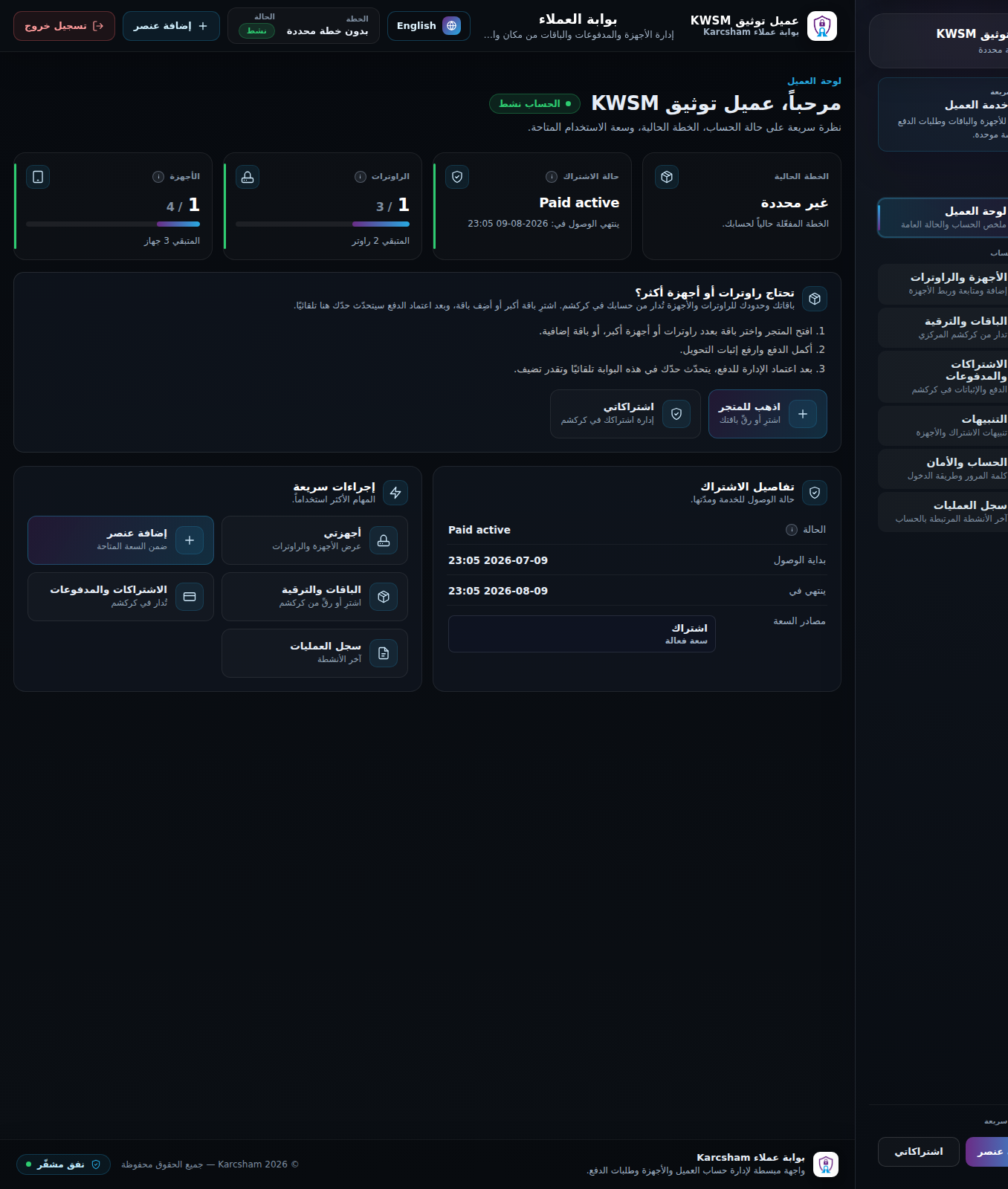
- The new capacity appears in the KWSM dashboard after synchronization.
If local billing is enabled
KWSM may show local plans and payment pages. In that case:
- Open Plans.
- Choose a plan or free trial if available.
- Create a payment request.
- Open the request details.
- Transfer the amount using the instructions and reference code.
- Upload payment proof.
Local proof upload
Allowed files are usually JPG, PNG, or PDF. Upload a clear image or file showing the transfer. Request states include pending, submitted, more information required, approved, and rejected.
If more information is requested
Open the same request, read the admin message, and upload clearer proof or add the requested note.
Reference screenshots