

Support Doc
In category: Karcsham Fi
Hotspot login pages and publishing
Published: 2026-07-04 Last updated: 2026-07-28
Choose, customize, sync, and deploy hotspot login page templates.
Login Pages designs the hotspot captive portal shown to customers when they connect. This feature may require an active package feature.
Templates
Templates appear at the top. Each template contains login page files and base translations.
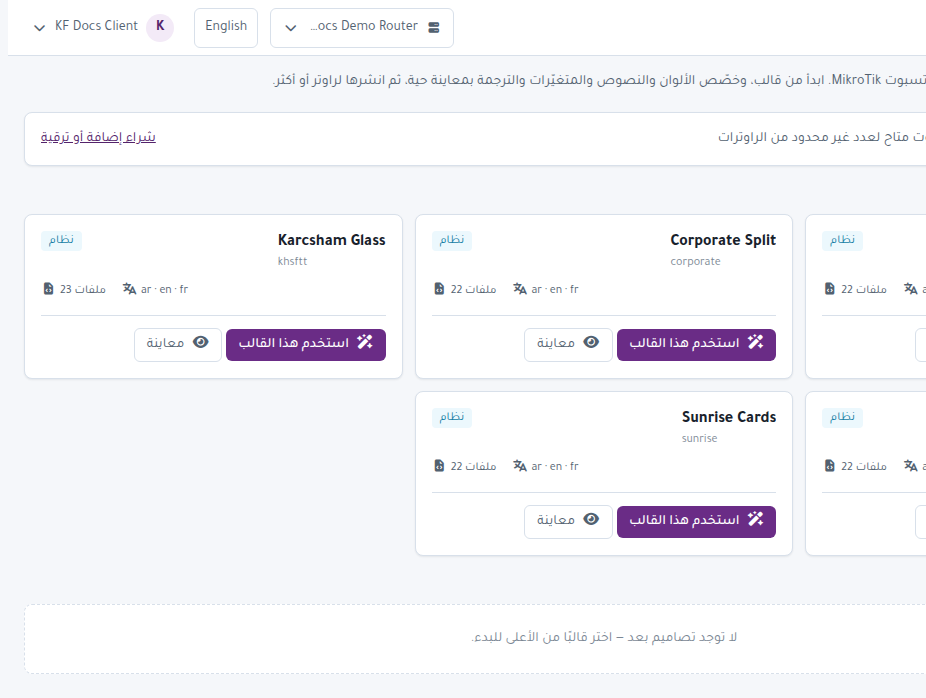
You can:
- Preview the template.
- Use this template to create an editable copy when the feature is active.
- Download a router-specific copy as a super admin.
My designs
My designs lists your custom templates.
Important actions:
- Edit changes text, colors, and variables.
- Deploy publishes the design to one or more routers.
- Sync shared content applies shared variables and translations to other designs.
- Duplicate copies a design.
- Remove deletes it.
Login page editor
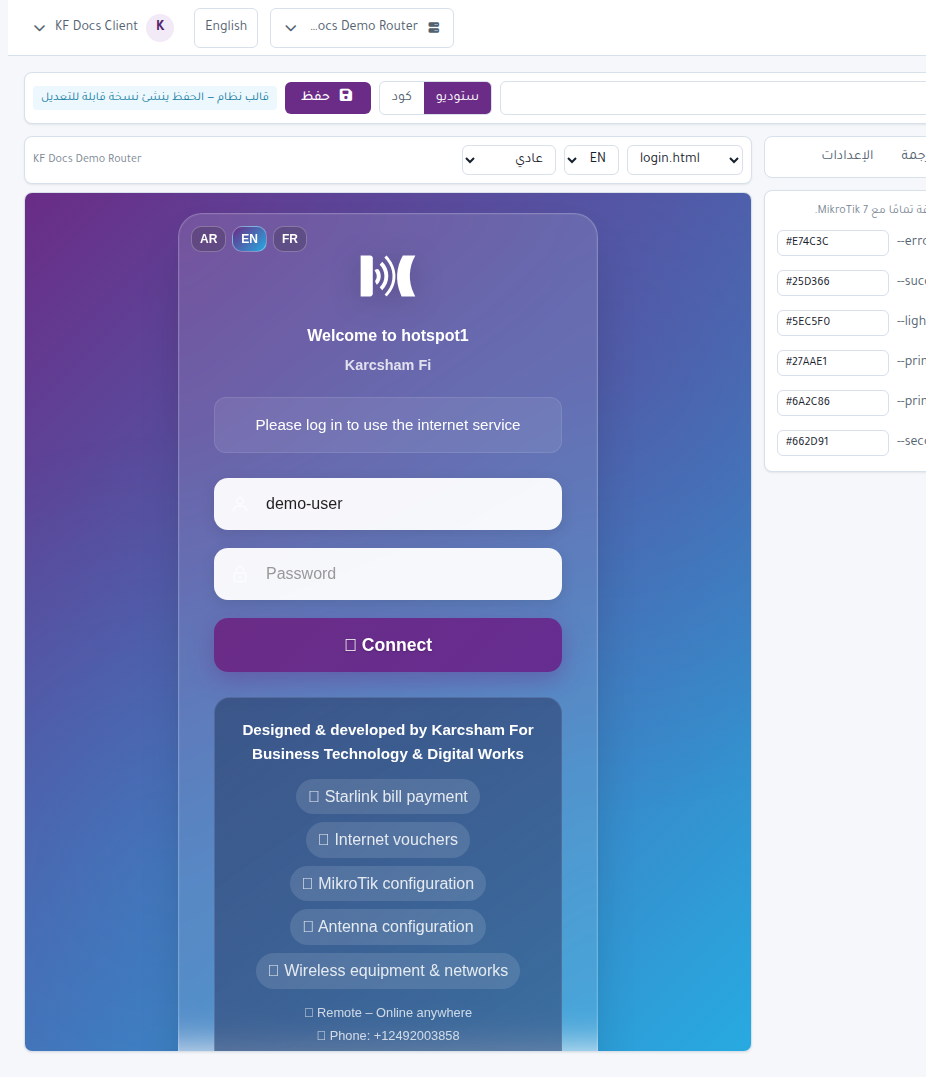
The editor usually lets you change:
- Customer-facing text.
- Colors and backgrounds.
- Logo.
- Translations.
- Network and contact variables.
- Live preview before publishing.
Deploy to router
- Confirm FTP is ready from Routers.
- Open Login Pages.
- Choose the design and press Deploy.
- Select target routers.
- Start deployment.
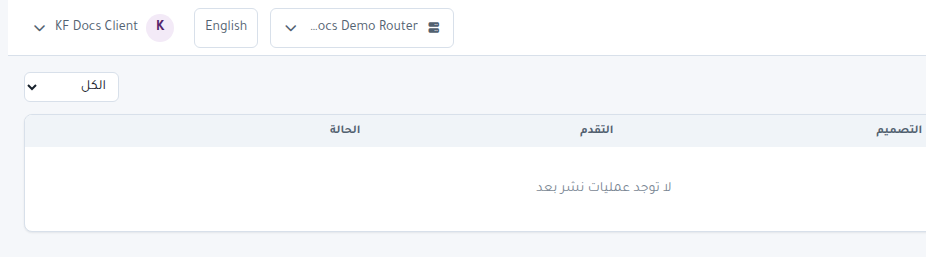
- Follow results from View deployments.
Important notes
- The system may back up current hotspot files before publishing.
- If FTP fails, review router credentials, port, and firewall.
- Do not publish to a router with a device mismatch warning.