

Article
In category: Karcsham Fi
What is Karcsham Fi?
Published: 2026-06-13 Last updated: 2026-07-28
A quick reference for what the platform is, who uses it, and what it manages.
Karcsham Fi is a management platform for MikroTik hotspot operators. It helps you manage cards, packages, sales, monitoring, and daily network tasks from a browser or phone without opening WinBox for every routine action.
What the platform manages
- MikroTik routers linked to your account.
- Hotspot users, packages, sessions, and connected hosts.
- User Manager users, profiles, groups, sessions, payments, and NAS.
- Card batch generation and printing.
- Printable card design templates and variables.
- Hotspot login page designs and deployment.
- Sales reports and live sales summaries.
- Router health, usage, and basic operational alerts.
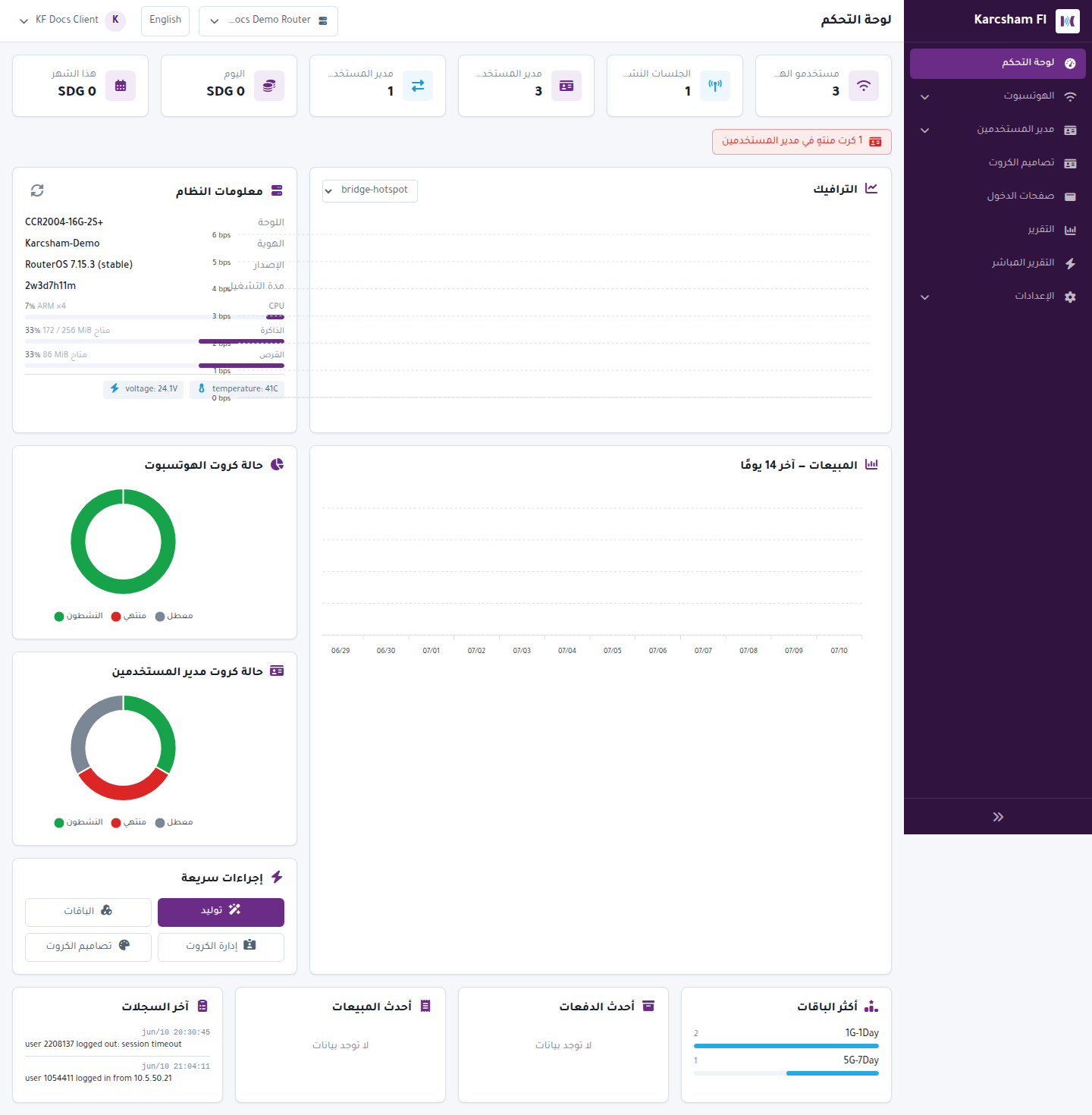
Who uses it?
- The network owner who issues cards and tracks sales.
- A manager or seller handling daily operations.
- A technician who needs remote access to router and package workflows.
Basic usage flow
- Sign in to Karcsham Fi.
- Select the correct router from the top bar.
- Open the required section from the sidebar.
- Perform the task: create a package, generate cards, print, review reports, or update settings.
- Read warnings carefully before disabling, deleting, or changing router data.
Important notes
- Most pages act on the currently selected router, so always check the router name first.
- Some pages are visible only to super admins or according to your active Central subscription.
- If you see a device mismatch or connection error, stop issuing cards and review the Routers page first.