

Hotspot: users, packages, sessions, and hosts
Published: 2026-07-04 Last updated: 2026-07-28
The main Hotspot pages and what each one does in daily operations.
The Hotspot section manages traditional MikroTik Hotspot users for the selected router. Use it when cards live under IP > Hotspot > Users in MikroTik.
Users
The Users page lists hotspot users on the router.
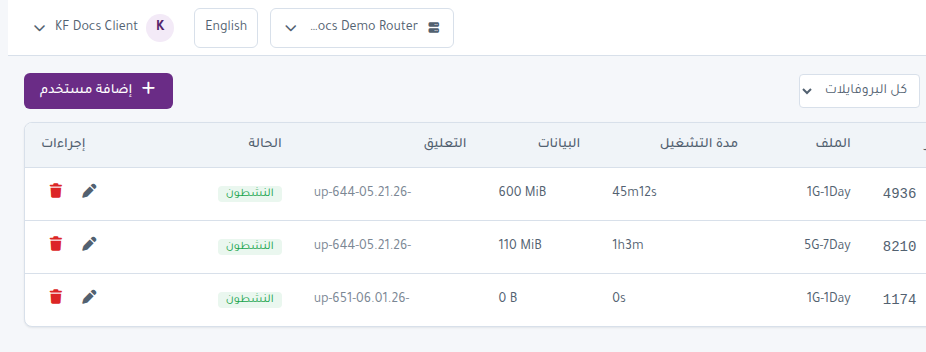
You can:
- Search by username.
- Filter by profile.
- Add a single user manually.
- Edit an existing user.
- Delete a user.
- Review password, profile, uptime, data, comment, and status.
Use manual user creation for individual cases. For card batches, use Generate.
Packages
The Packages page manages local hotspot profiles used by Karcsham Fi.
When creating a package you can set:
- Name.
- Rate limit such as 4M/4M.
- Shared users.
- Validity.
- Expire mode: none, remove, notice, remove and record, or notice and record.
- Cost price and selling price.
- Address pool and parent queue.
- Lock to first MAC or first server.
After saving, the package syncs to the router. If expire monitor installation fails, open Live Report and enable Expire Monitor.
Active
The Active page shows currently connected sessions.
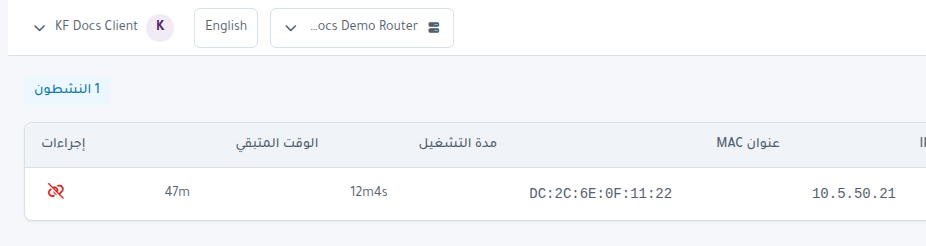
It displays:
- Username.
- IP address.
- MAC address.
- Uptime.
- Time left.
Use Disconnect when you need to remove a live session.
Hosts
The Hosts page shows devices seen by the hotspot, even before login.
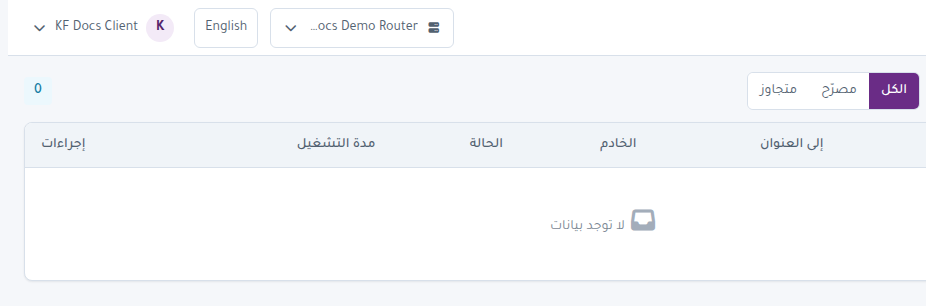
Important states:
- Authorized: logged-in device.
- Bypassed: device bypassing the login page.
- Guest: seen by hotspot but not signed in.
You can remove a host entry to clean the list or force a device to retry.