Settings: account, admins, links, system, and logs
Published: 2026-07-04 Last updated: 2026-07-28
Settings pages and what to watch when changing administrative options.
Settings contains account, router, admin, Central link, system, and log pages.
Account
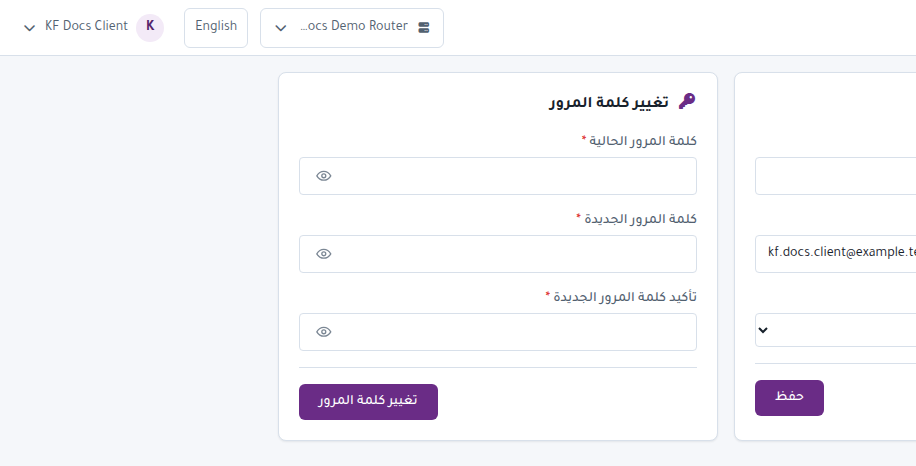
Account lets you update profile details and change your password. Use a strong password and do not share it.
Routers
Routers has its own article because it is a core page. It adds routers, tests connection, and selects the active router.
Administrators
Visible to super admins. It manages admin accounts. Be careful:
- Do not delete the last super admin.
- Do not grant more permission than needed.
- Review the account before disabling or deleting it.
Central Links
Central Links manages the relationship between a KARCSHAM Central account and a local Karcsham Fi account. Use it for linking customers or reviewing Central access.
System
System is for maintenance actions such as:
- Creating backups.
- Clearing cache.
- Importing data when available.
Avoid maintenance actions during active sales unless needed.
Log
Log shows audit events. Use it to understand who performed an action and when.
About
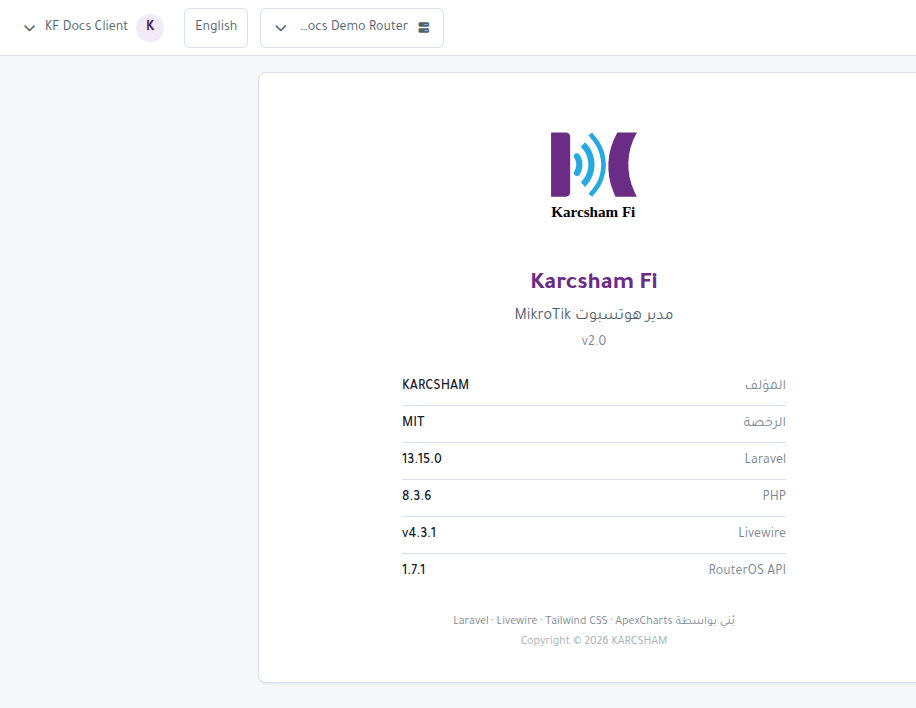
About displays system, version, and environment information. It is useful when requesting support.
Logout
Open the user menu at the top and press Logout when finished, especially on shared devices.