

Generating and managing User Manager cards
Published: 2026-07-04 Last updated: 2026-07-28
How to generate User Manager cards and the key differences from Hotspot.
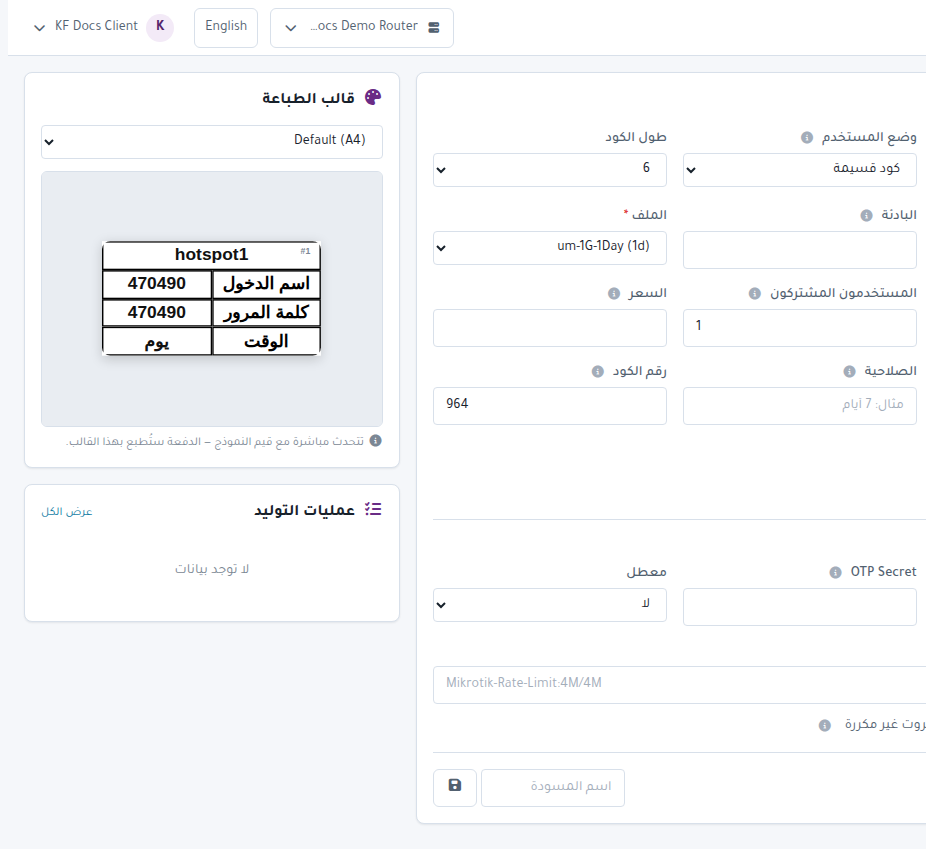
User Manager then Generate is similar to Hotspot generation, but includes RADIUS and User Manager-specific options.
Generation steps
- Confirm the selected router.
- Open User Manager then Generate.
- Enter Quantity.
- Choose User Mode, code length, and character set.
- Select Profile.
- Select Group.
- Set Shared Users.
- Enter price, selling price, and printable validity.
- Use Code Number and Comment to identify the batch later.
- Choose Print Design.
- Press Preview then Generate.
RADIUS options
The page includes RADIUS Options:
- Caller ID to restrict the card to a specific device or MAC.
- OTP Secret when one-time-password authentication is needed.
- Disabled to create cards disabled.
- Attributes for RADIUS attributes such as Mikrotik-Rate-Limit:4M/4M.
Follow jobs
After generation, follow progress from:
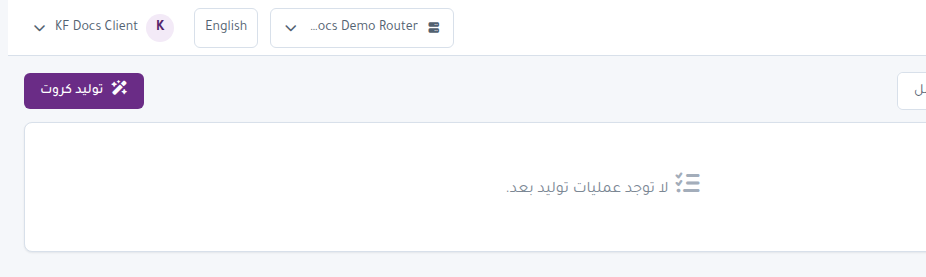
- The Generation Jobs panel on the page.
- User Manager then Generation Jobs.
Manage cards
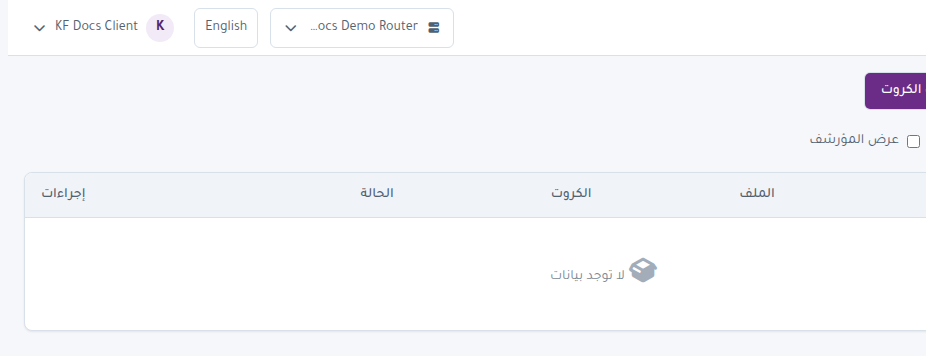
Open User Manager then Card Management to review cards. Filters and states are similar to Hotspot:
- Active.
- Expired.
- Disabled.
- Used or Unused.
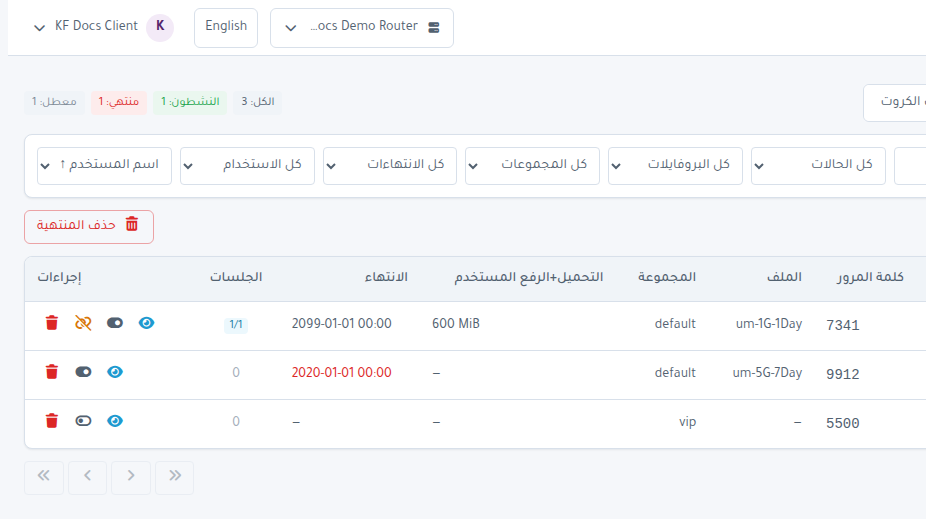
You can select, print, export, and run Batch Actions in the same way.
Important note
If profiles or groups do not appear, review router connection, User Manager setup, and NAS. Card generation requires the core User Manager objects to be ready.