User Manager: users, profiles, groups, and sessions
Published: 2026-07-04 Last updated: 2026-07-28
The main User Manager pages and when to use them instead of Hotspot.
Use the User Manager section when the network relies on MikroTik User Manager or RADIUS instead of traditional Hotspot users.
Users
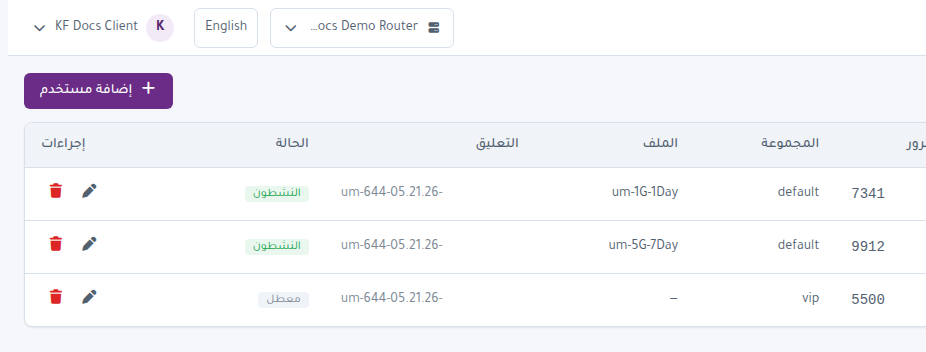
The Users page lists User Manager users. You can:
- Search for a user.
- Add a user manually.
- Edit password, group, or assigned profile.
- Set shared users.
- Restrict login by Caller ID.
- Add OTP Secret or RADIUS Attributes when needed.
- Disable or delete a user.
Packages
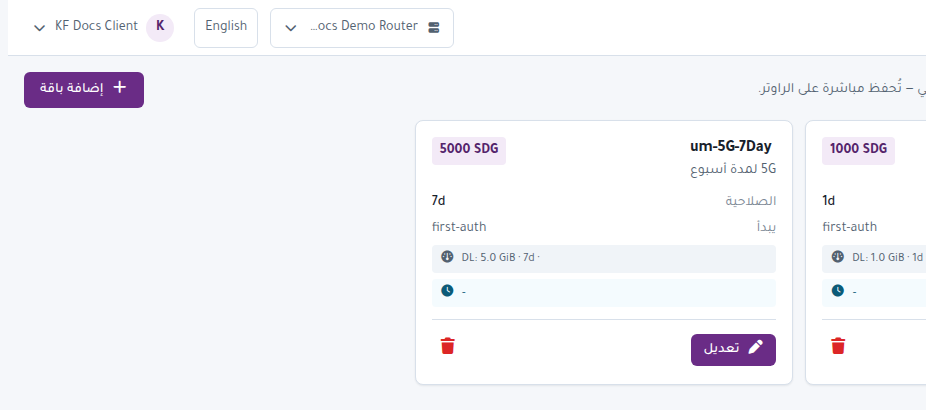
The Packages page lists User Manager profiles. Use it to create or edit packages assigned to users and generated cards.
Groups
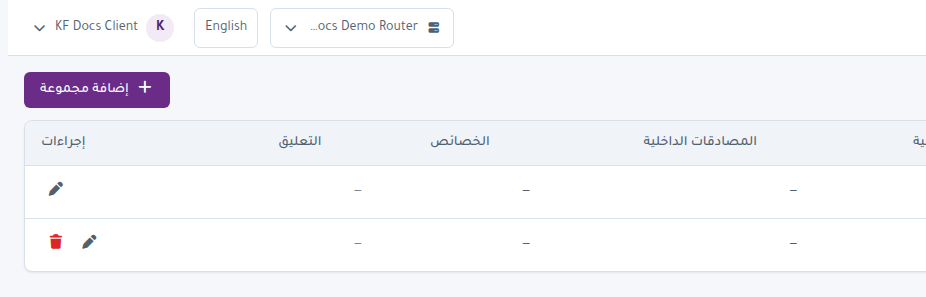
Groups organize users and help apply shared policy. When creating users or batches, select the correct group.
Sessions
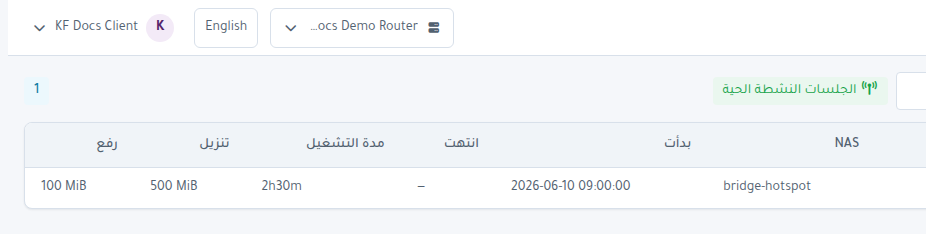
Sessions shows active User Manager sessions. Use it to review connected users and disconnect a session when needed.
Payments
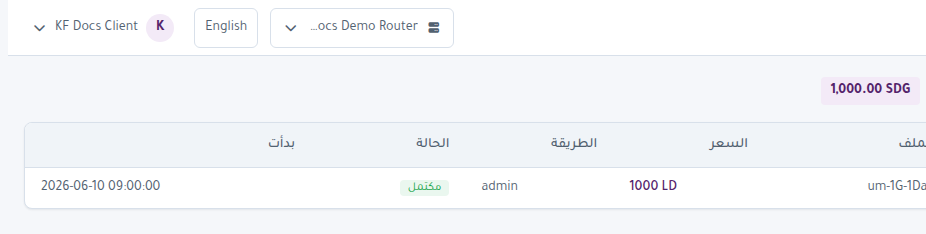
Payments displays User Manager payment records or related movements when available from the router.
NAS
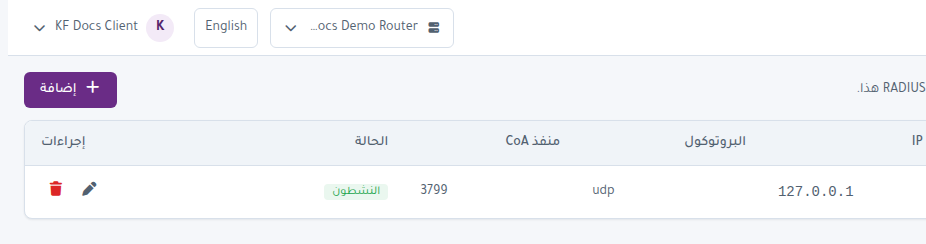
NAS manages User Manager NAS devices. User Manager needs NAS entries to authorize RADIUS authentication from network devices.
Hotspot or User Manager?
- Use Hotspot when cards are stored directly in Hotspot Users.
- Use User Manager when users and profiles are managed through User Manager or RADIUS.
- Do not mix both flows for one batch unless you understand the network design.